
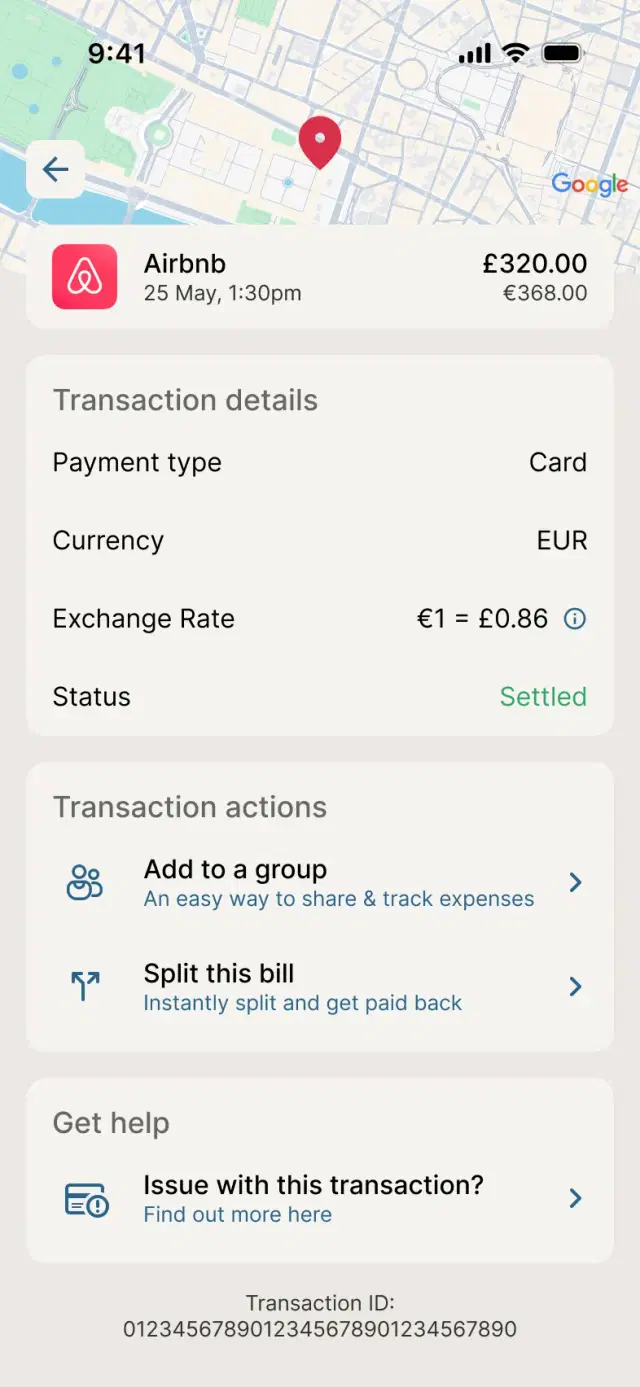
Spend abroad without the fees
Use Apple Pay anywhere Visa is accepted and enjoy fee-free spending abroad from your Kroo current account1.

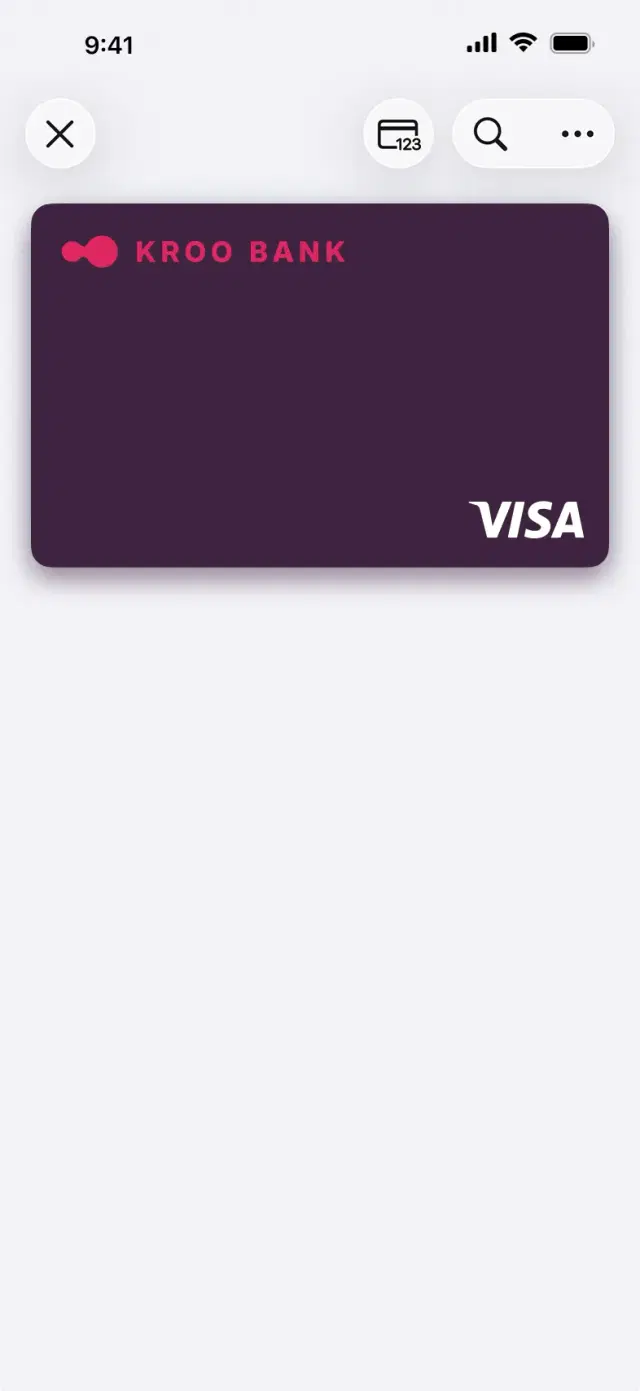
Apple Pay

Once verified, you're ready to pay with Apple Pay.
Use Apple Pay anywhere Visa is accepted and enjoy fee-free spending abroad from your Kroo current account1.
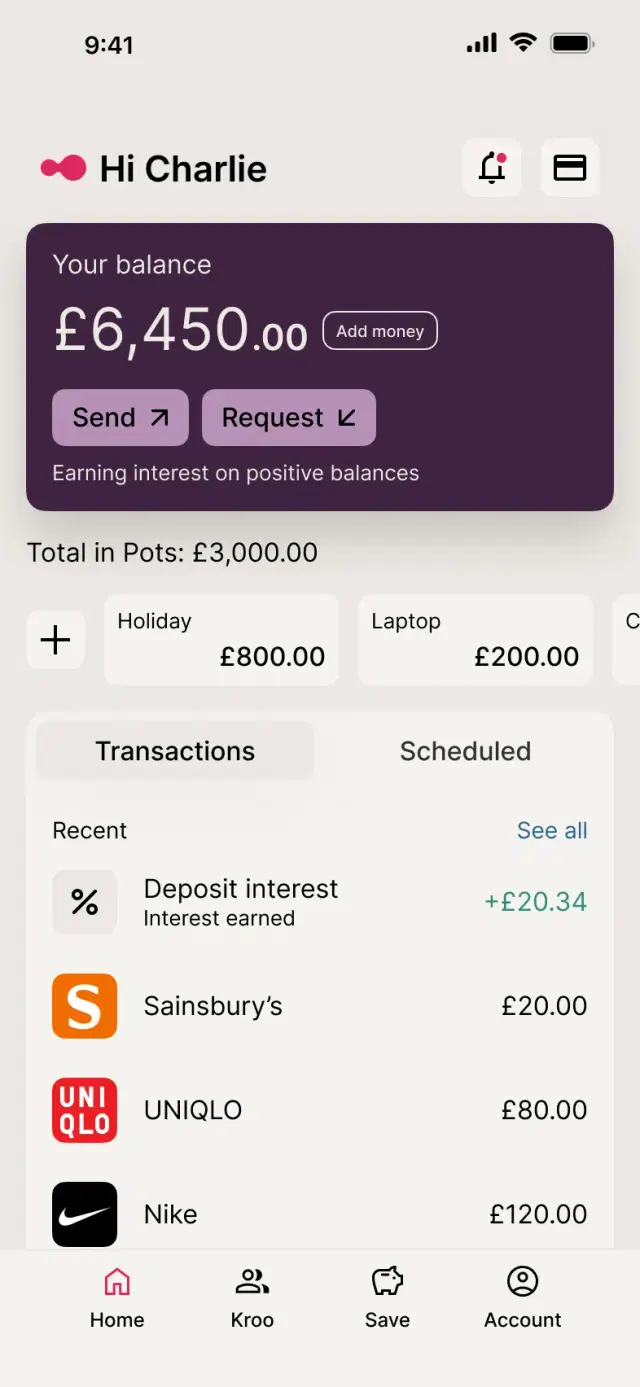
Unlike many banks, Kroo pays interest on positive current account balances. Your money can keep working while you get on with life.
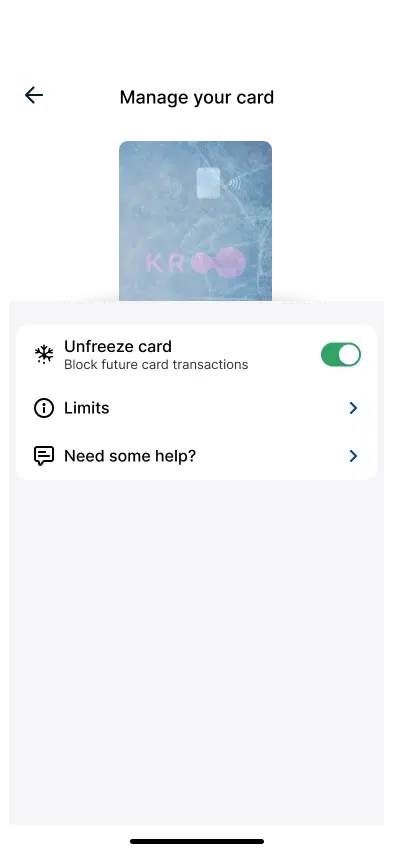
Freeze or unfreeze your card instantly from the Kroo app, wherever you are.
Apple Pay uses device-specific security and never shares your full card details with merchants.
Pay with your iPhone, Apple Watch, iPad or Mac without reaching for your wallet.
Every payment is verified using Face ID, Touch ID or your device passcode.
Your card number isn't stored on your device or shared when you pay.